Wireless Motion Sensor LED Light Bar – USB Rechargeable Cabinet Light


Wireless Motion Sensor LED Light Bar – USB Rechargeable Cabinet Light
SPECIFICATIONS
Smart lighting exactly where you need it.
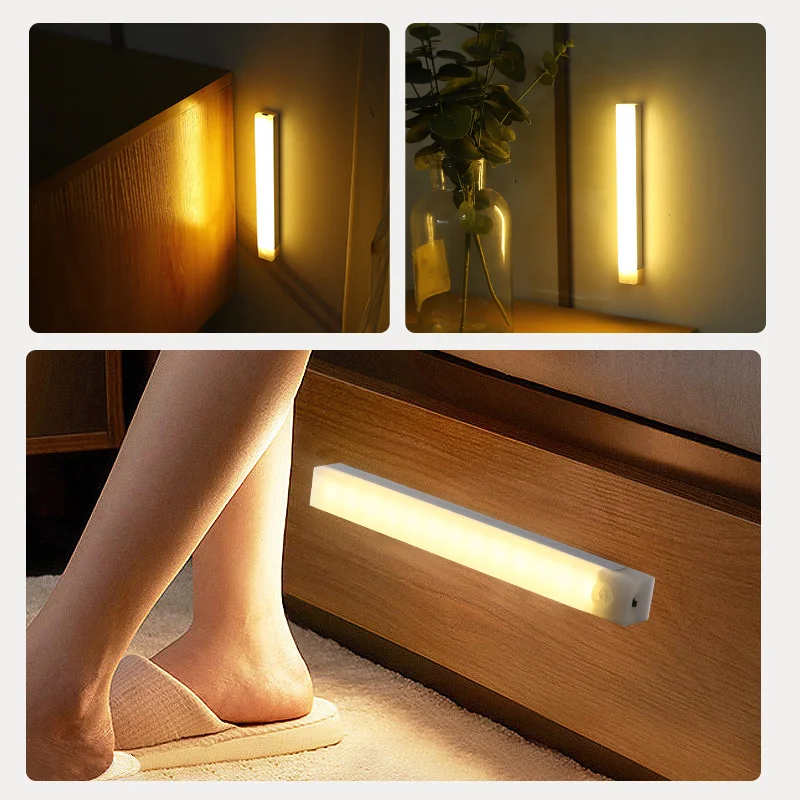
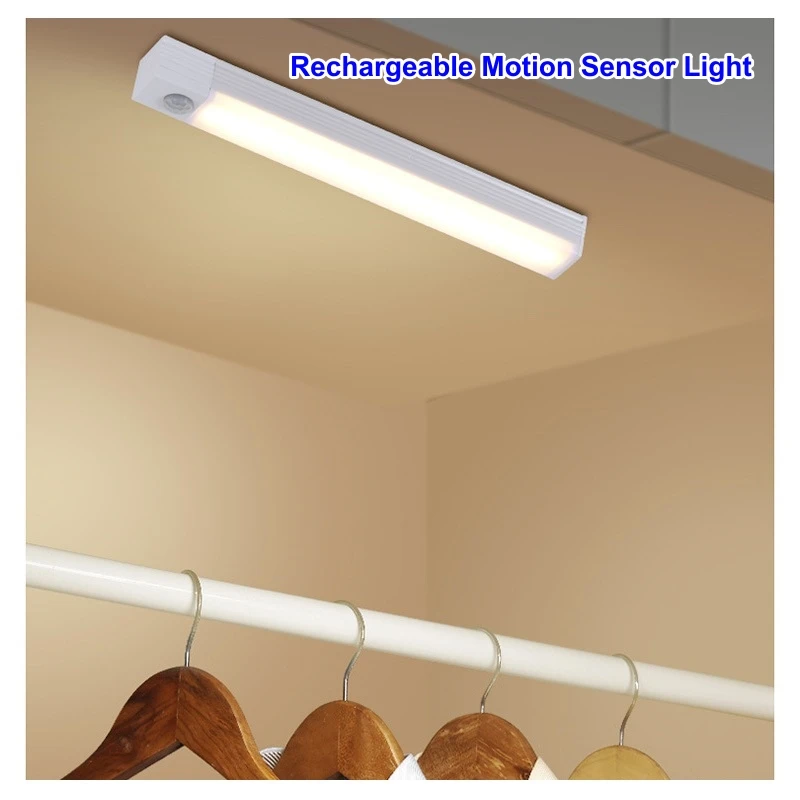
Illuminate your home effortlessly with the Wireless Motion Sensor LED Light Bar. Featuring automatic motion detection, USB rechargeable power and a sleek magnetic design, it’s perfect for kitchens, wardrobes, stairs, hallways and bedrooms.
✨ Features
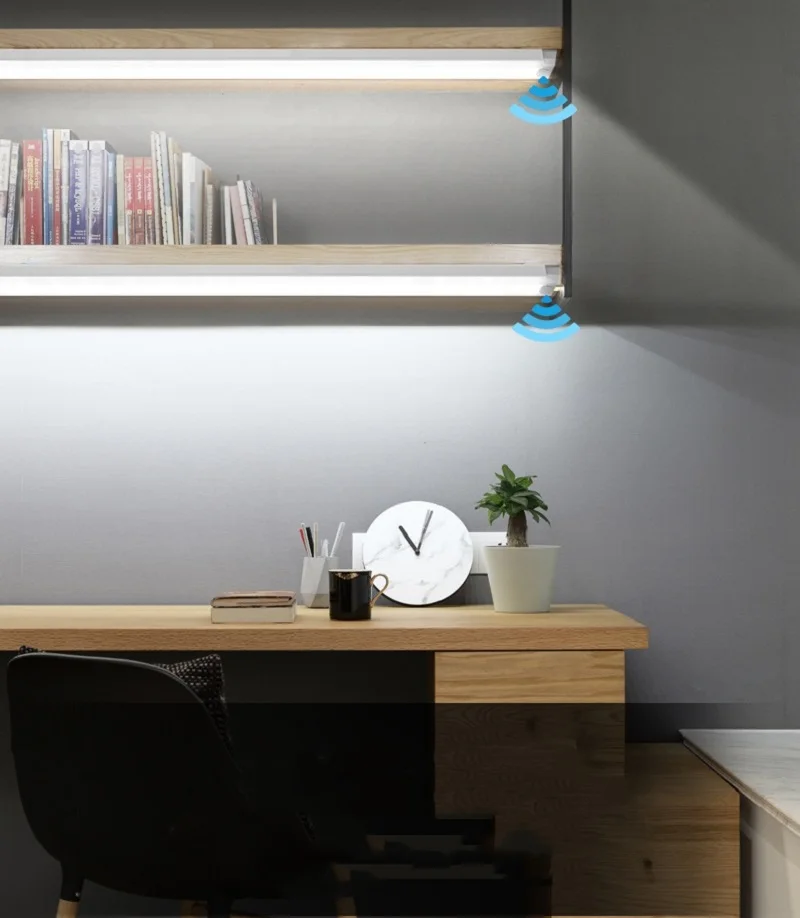
- 💡 Motion sensor technology – turns on automatically when movement is detected.
- 🔋 USB rechargeable battery – no disposable batteries required.
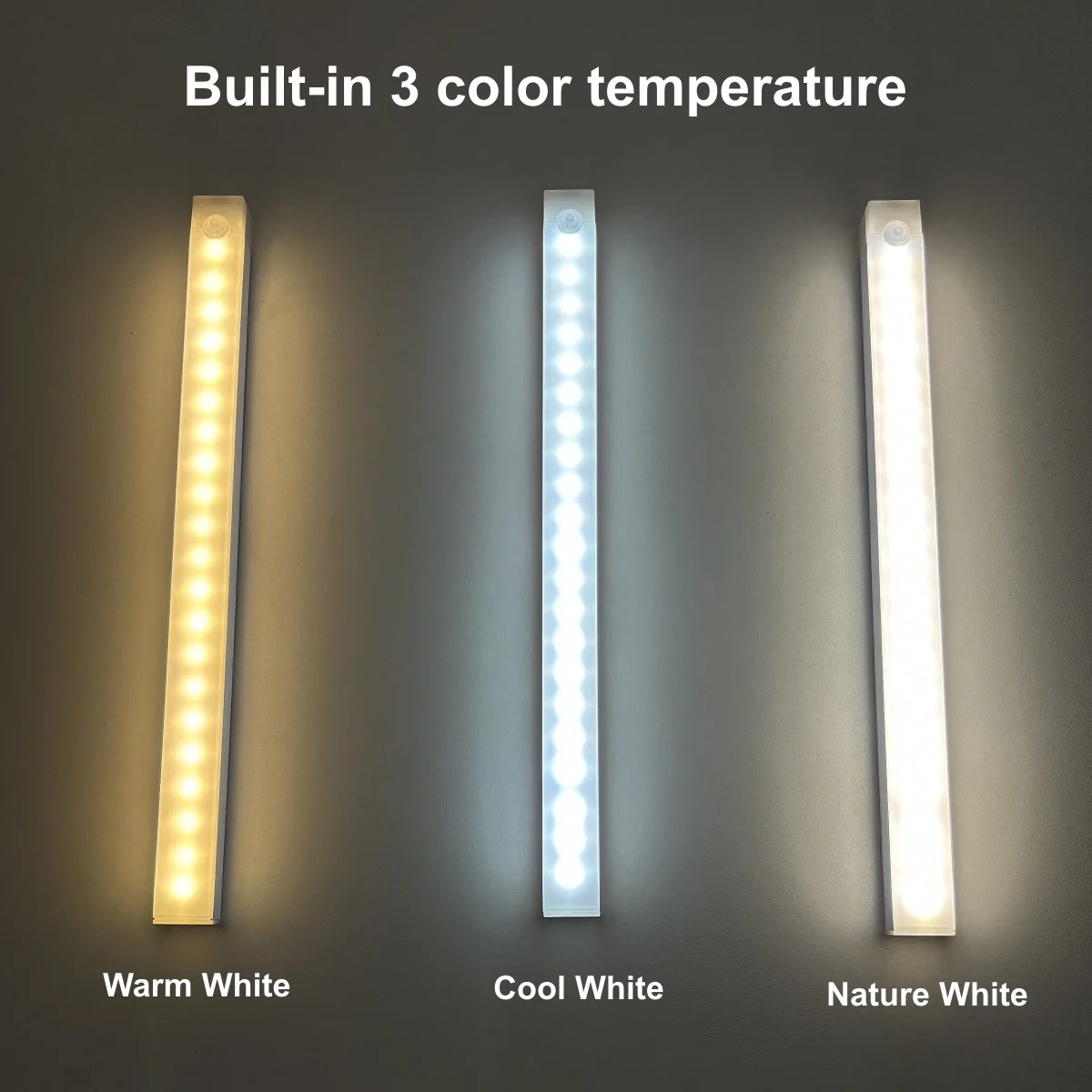
- 🌈 3 light modes: Warm White, Natural White & Cool White.
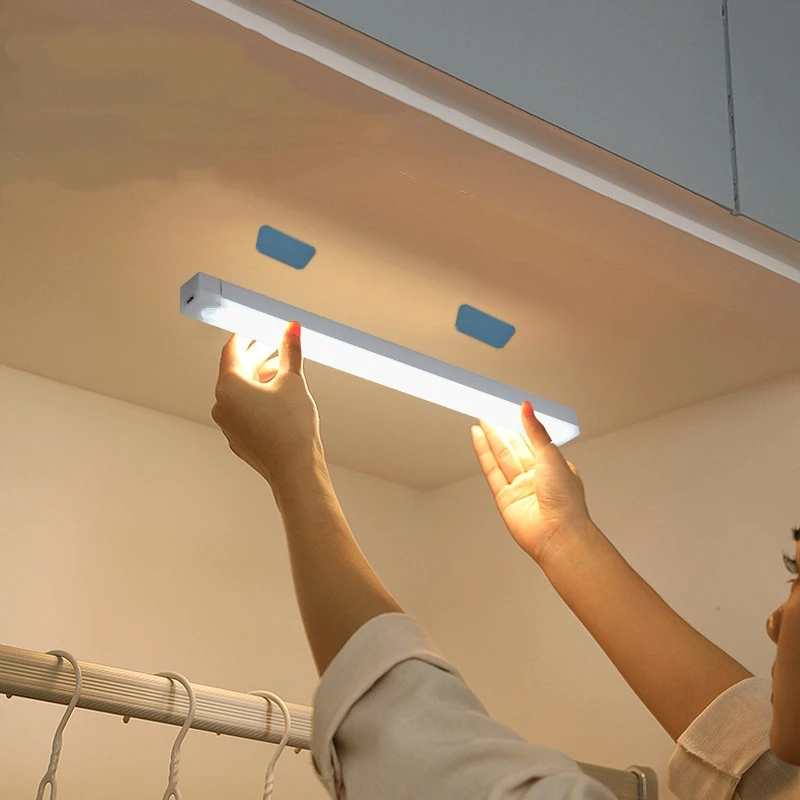
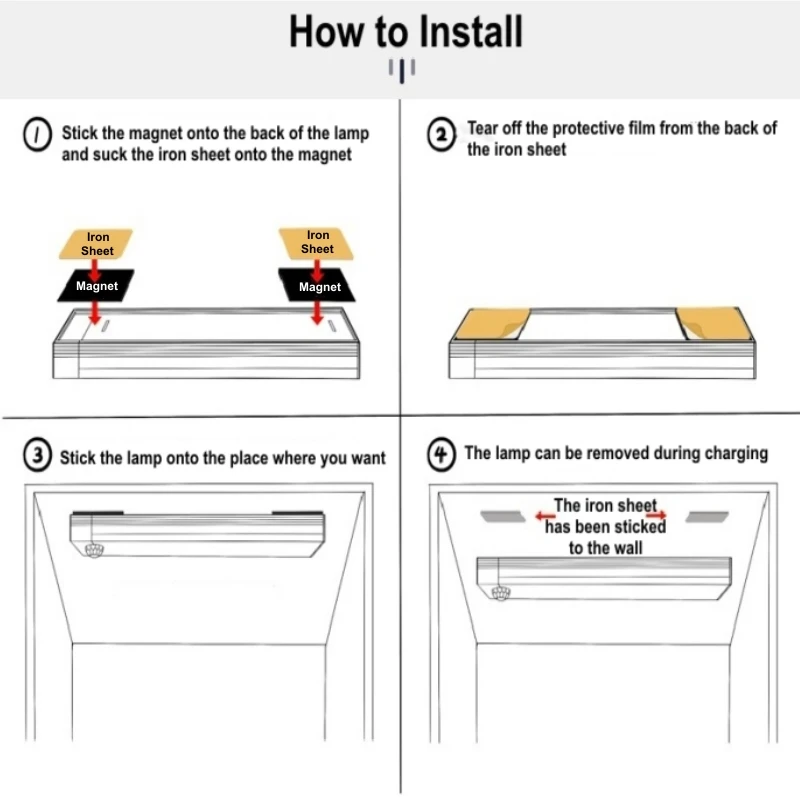
- 🧲 Magnetic installation – no drilling or tools needed.
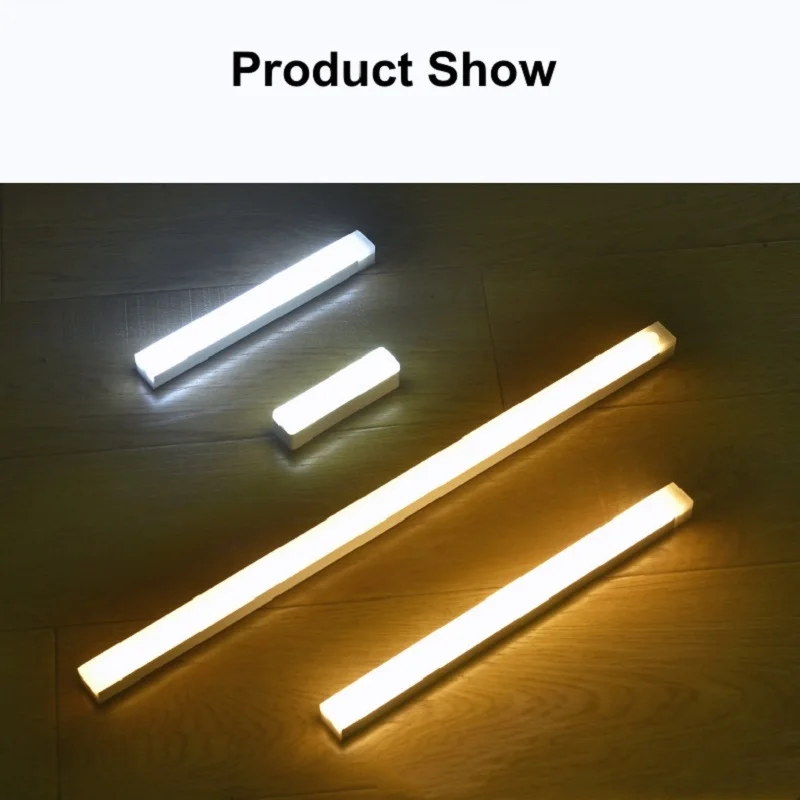
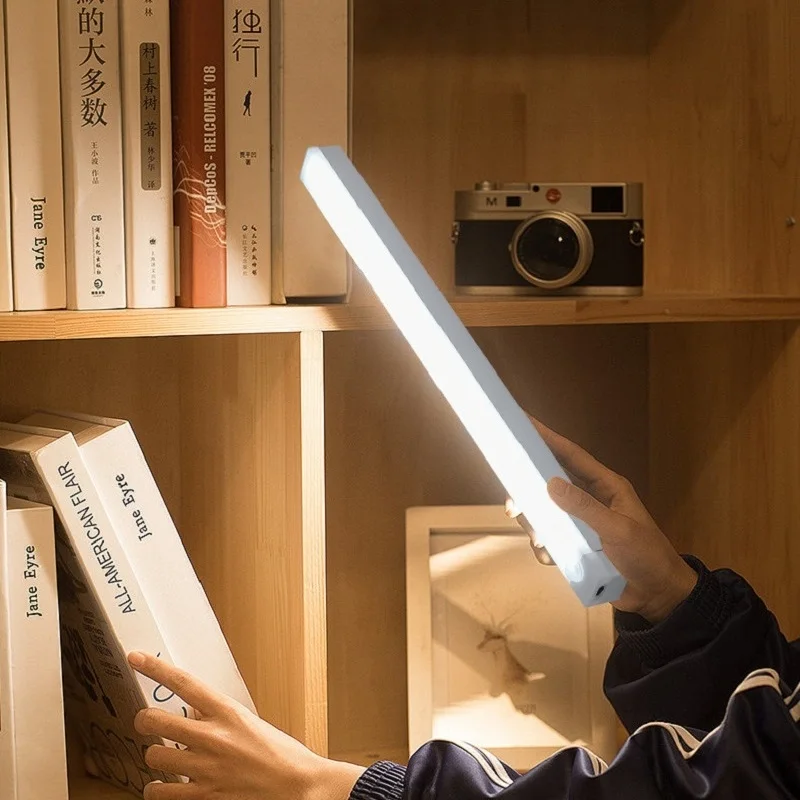
- 📏 Available in multiple lengths (10cm, 20cm, 30cm & 50cm).
- ⚡ Energy-efficient LED lighting.
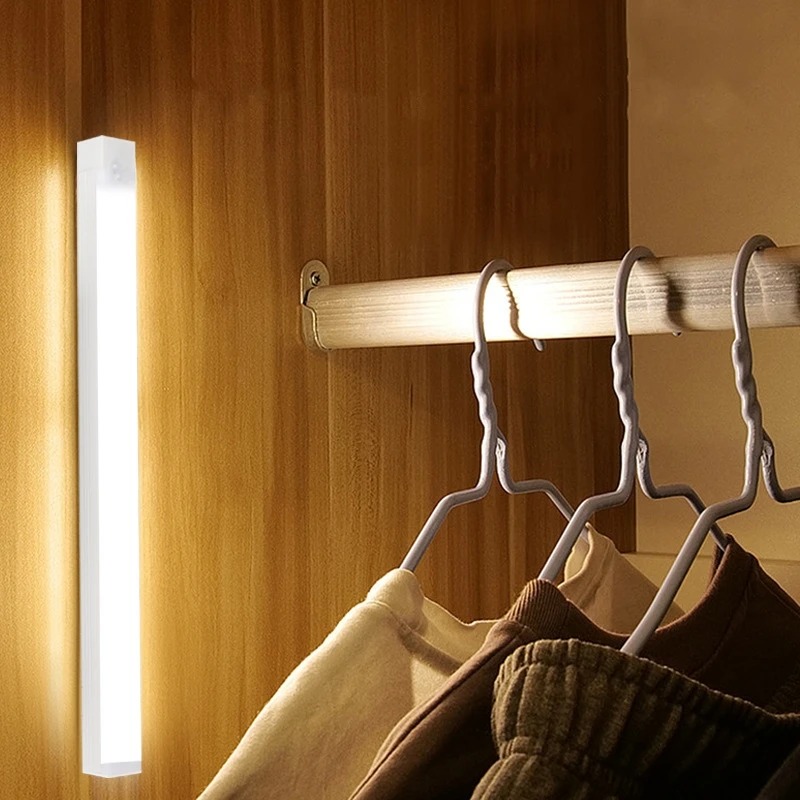
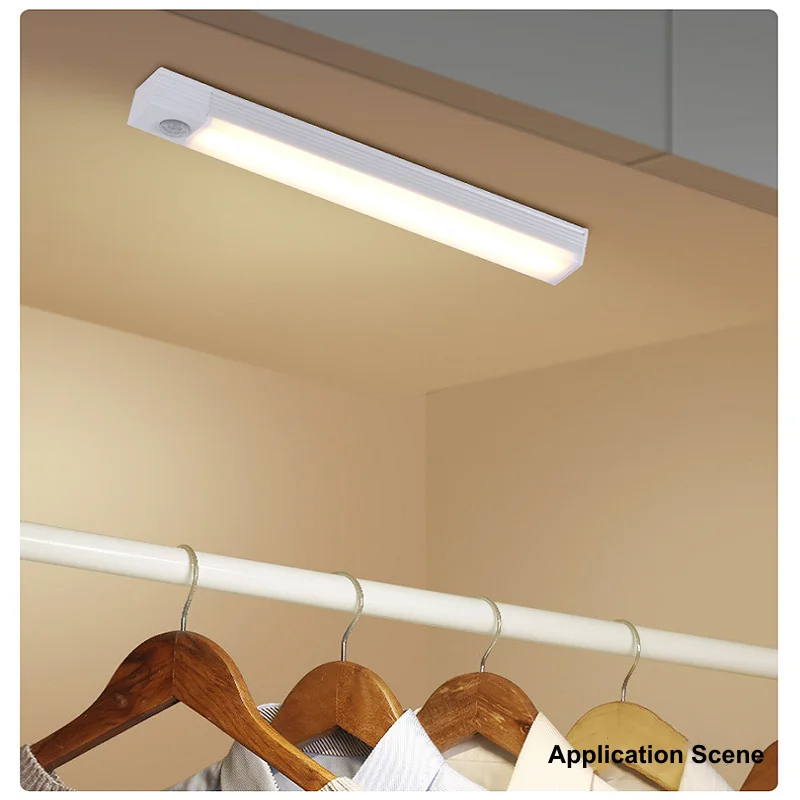
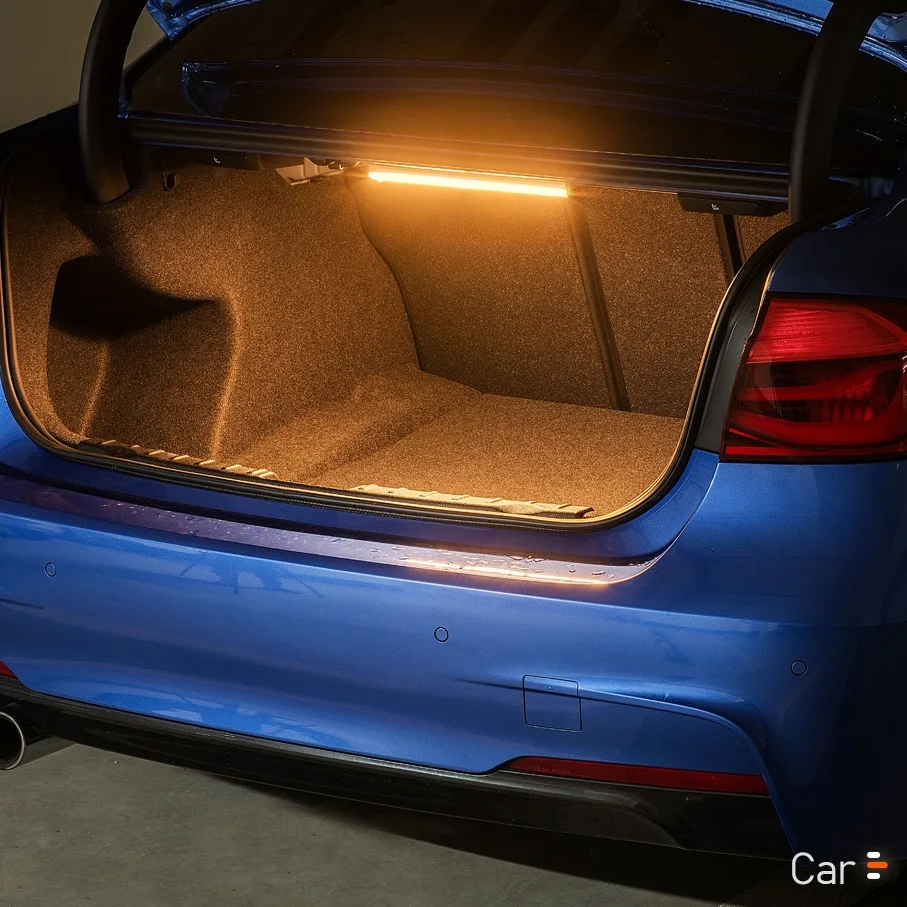
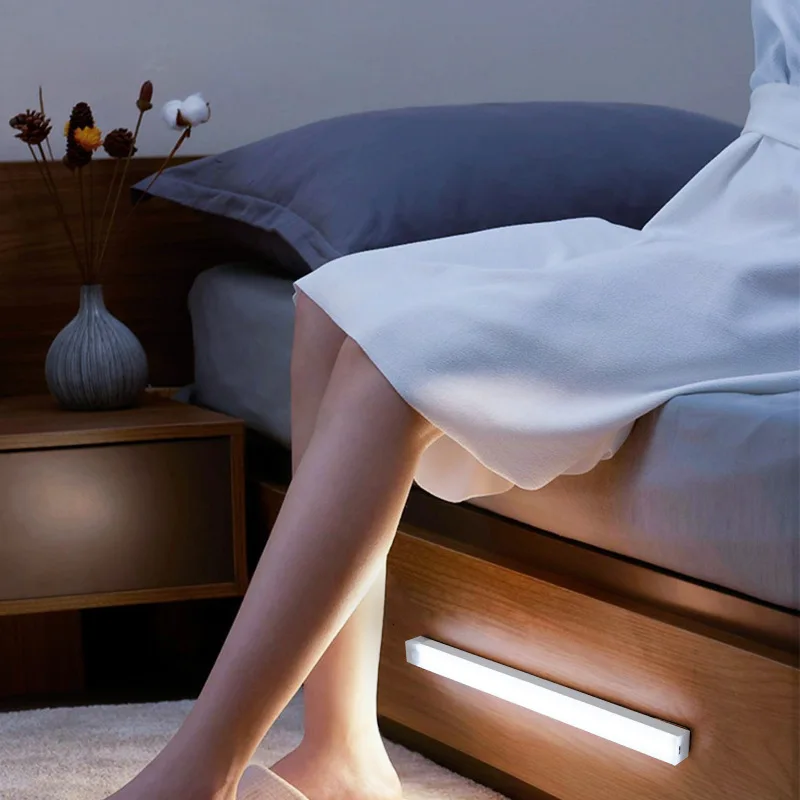
- 🏠 Ideal for kitchens, wardrobes, stairs, hallways, cabinets and bedrooms.
📦 Package Includes
- 1 × Wireless Motion Sensor LED Light Bar
- 1 × USB Charging Cable
- 1 × Magnetic Mount
- User Manual
Specifications
- Power Source: USB Rechargeable
- Lighting Modes: Warm White, Natural White, Cool White
- Installation: Magnetic
- Motion Sensor: Yes
- Material: ABS + PC
※※※Precautions:
1. There are some differences between the single light color version and tricolor light color version. Please check carefully the model(the length and the light color)before purchase.
2. There is protective film on the lampshade, please remove it before use.
3. Please use the original charging cable when you charge the light.
4. The induction mode of the lamp is a light sensing mode, If the environment is bright, it will not work very well.
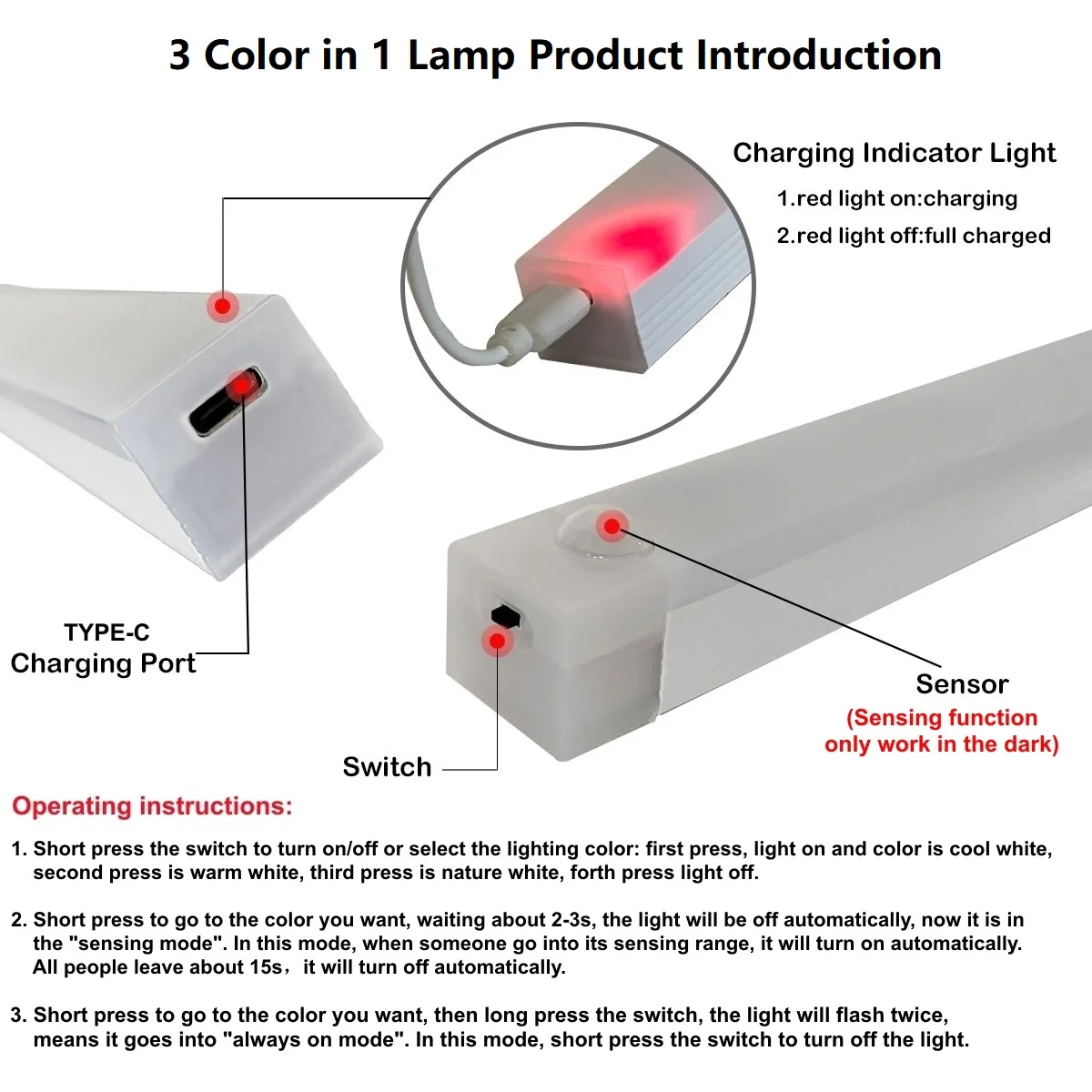
Check the button descriptions of the 3 Color in 1 Lamp Version:
1. Short press the first, the lamp will be on, and the mode is induction mode. In this mode long press the switch button about 2s,the lamp will flash twice, then will be into "always on" mode, the lighting color will not change. Short press again, the lamp will turn off.
2. When the lamp is in the induction mode, short press the switch, the lamp will change the light color(cool white/warm white/nature white).
3. The induction mode only work in the low light environment.
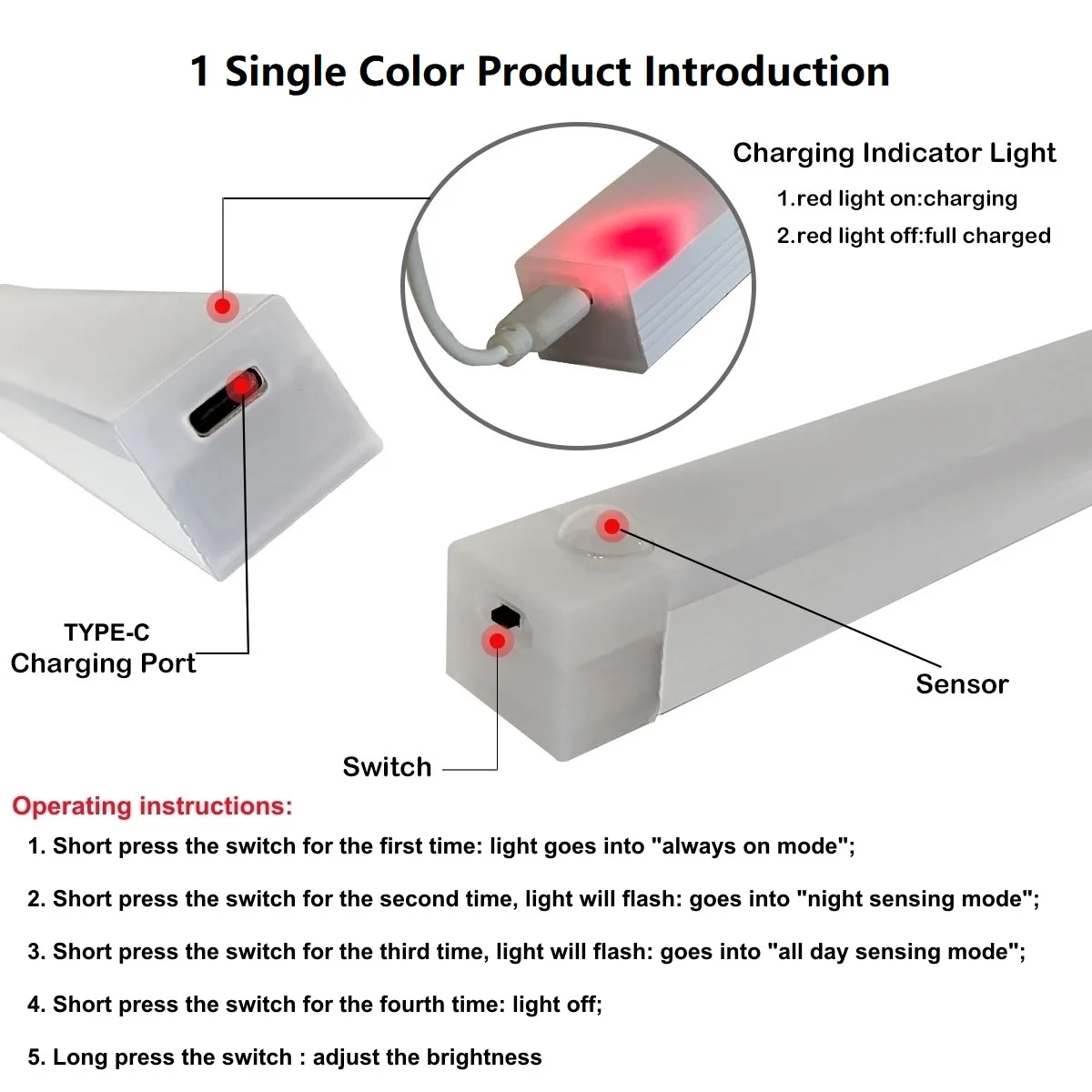
Check the button descriptions of the Cool White/Warm White Version:
1. Short press the switch button for the first time: always on mode;
2. Short press the switch button for the second time: night induction mode(induction function only work in the low light environment);
3. Short press the switch button for the third time: all day induction mode;
4. Short press the switch button for the fourth time: Turn off the light;
5. Long press the switch button: adjust the brightness(the 3 color in 1 lamp version dose not have this function)